 Bestseller
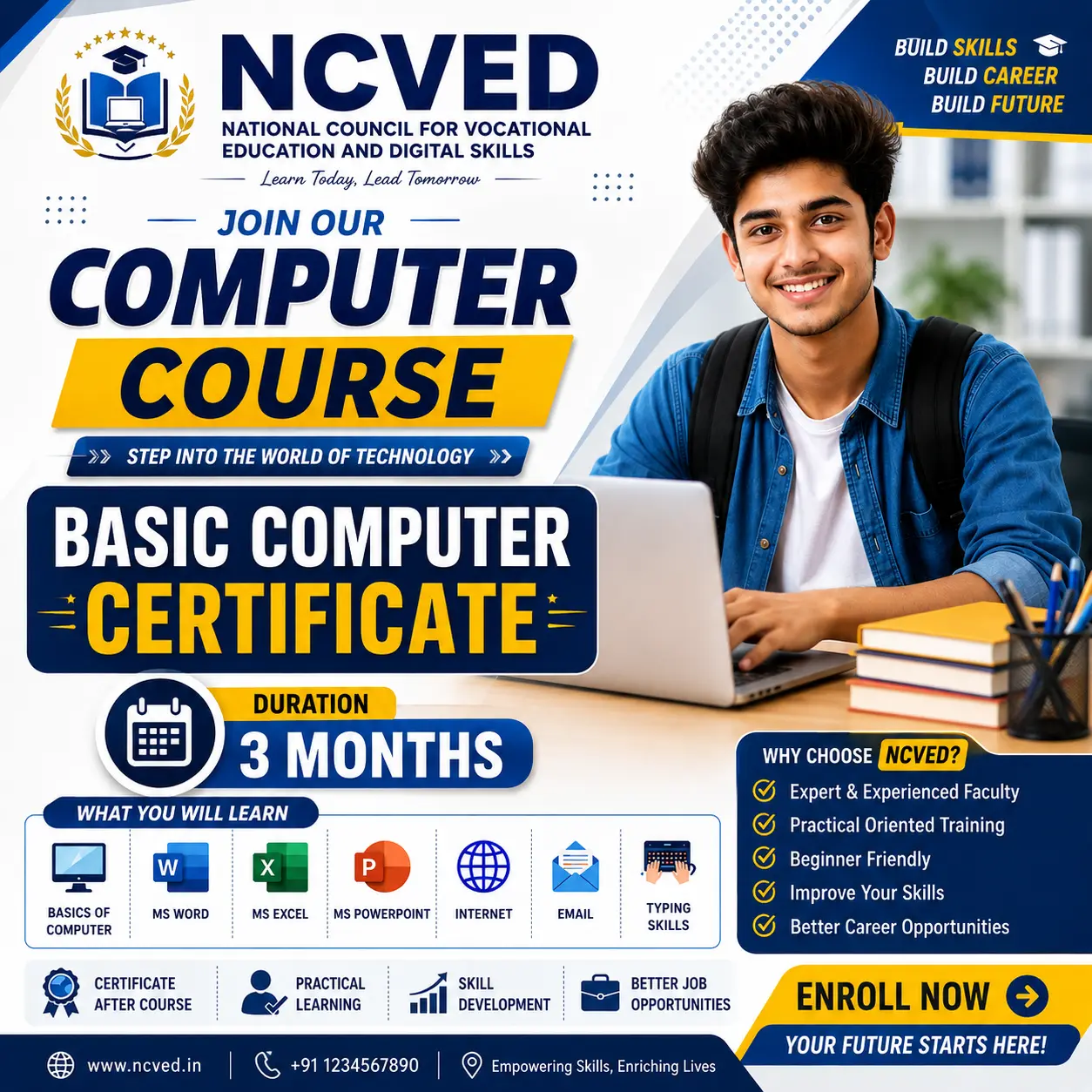
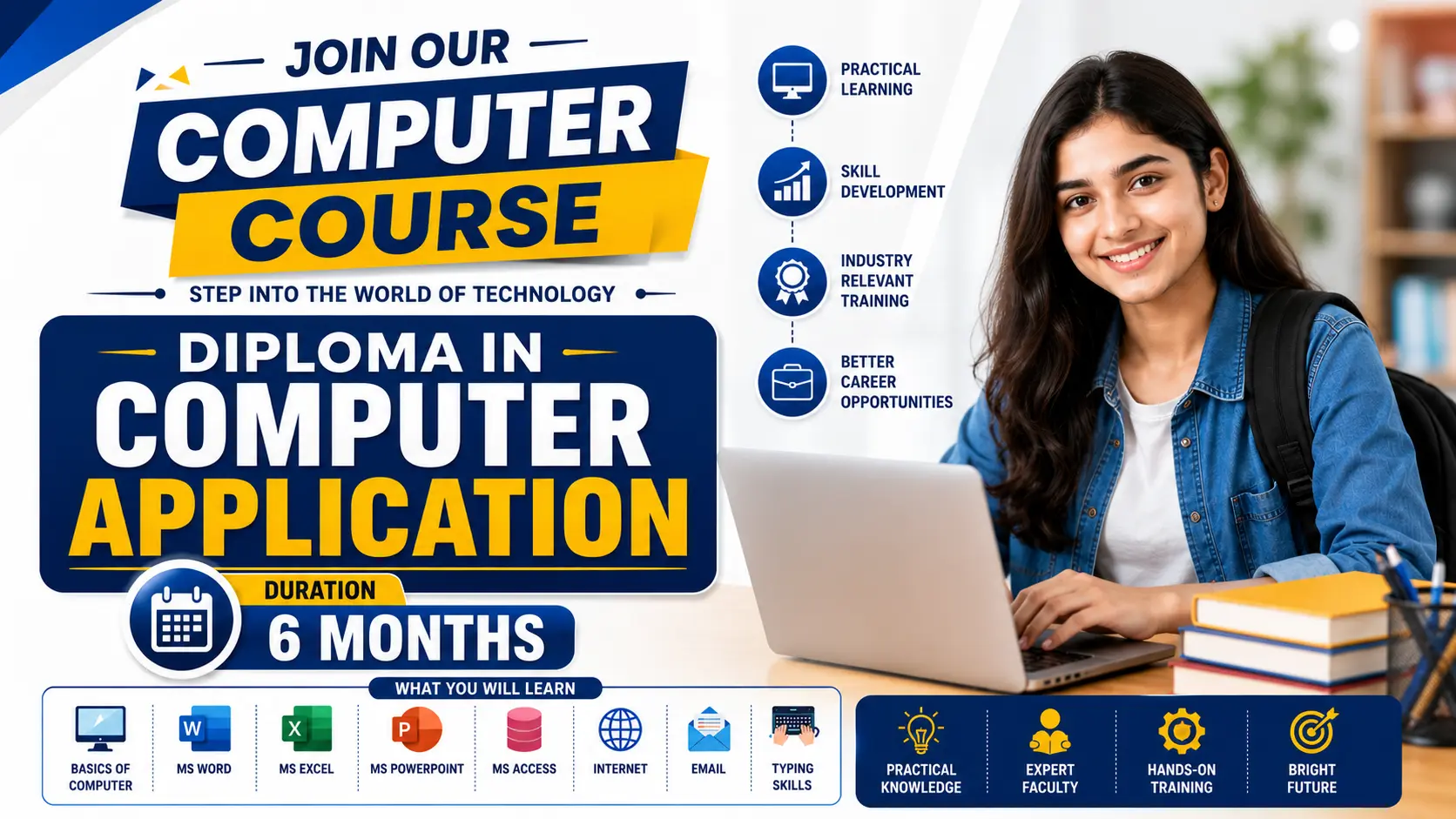
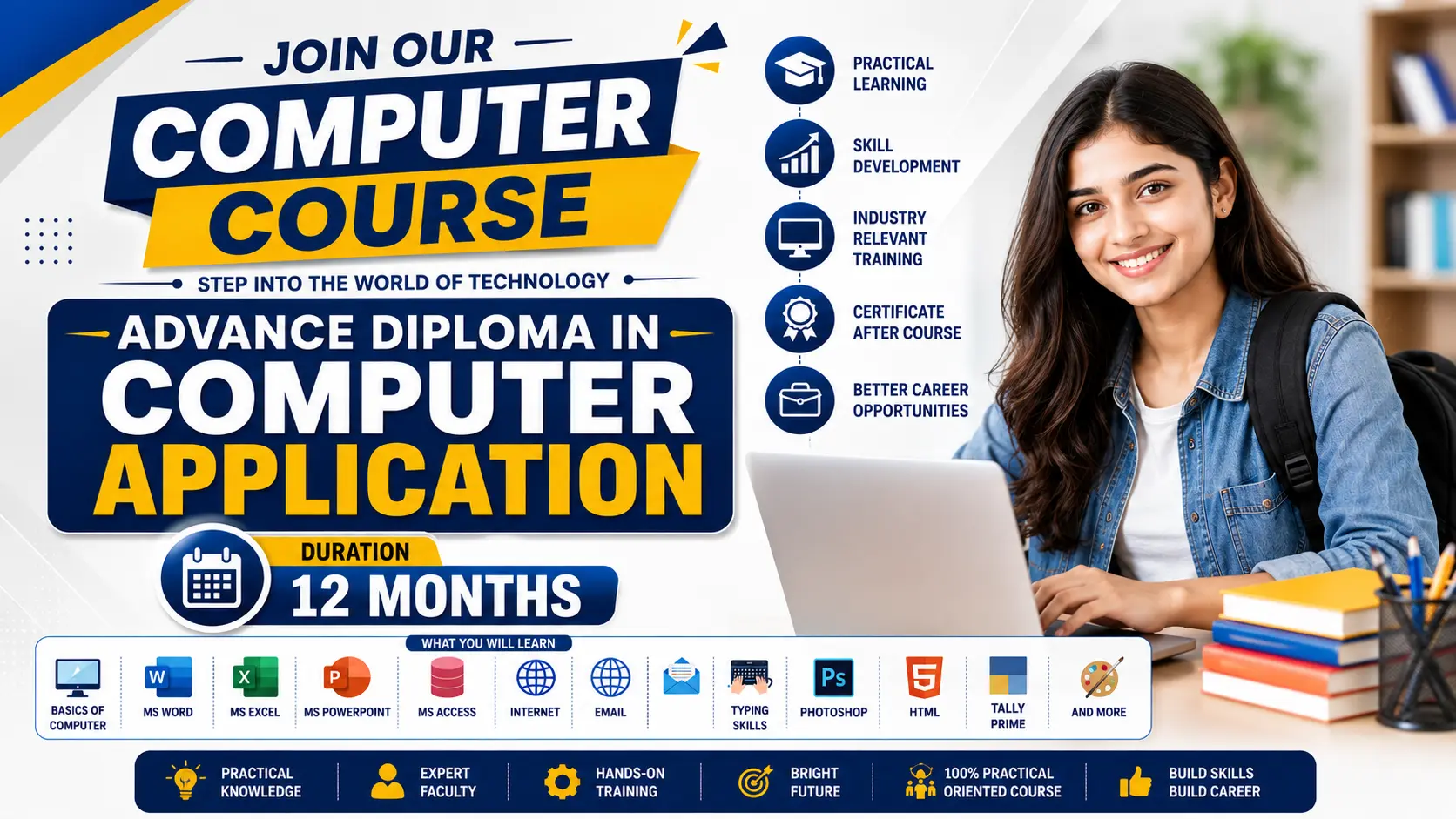
Course Overview: The Certificate in Information Technology (CIT) is a fast-paced, 45-day foundational program designed to transform beginners into confident digital citizens. In today’s technology-driven world, basic computer literacy is no longer optional—it is essential. This course provides a comprehensive introduction to the core digital skills required in modern academic and professional environments, blending theoretical knowledge with hands-on practical training.
What You Will Learn: Through step-by-step guidance, students will explore five critical areas of technology:
TimelineModuleCore TopicsLab / Practical FocusDays 1–7Computer FundamentalsHistory and generations of computers; Input/Output devices; Hardware vs. Software; CPU architecture; Primary and Secondary Memory; Introduction to Operating Systems (Windows).Basic mouse and keyboard navigation; OS interface familiarization; file and folder management (create, copy, move, delete).Days 8–19Basic MS OfficeWord (Days 8-11): Document creation, formatting, tables, page layout.
Excel (Days 12-16): Spreadsheets, basic formulas (SUM, AVERAGE), cell formatting, charts.
PowerPoint (Days 17-19): Slide creation, transitions, basic animations.
Creating a formatted resume; building a monthly budget tracker; designing a 5-slide presentation with transitions.Days 20–25Basic Internet & InformationThe World Wide Web (WWW) vs. the Internet; understanding URLs; web browsers; search engine operations; creating and managing email; digital information literacy and identifying credible sources.Setting up an email account; executing advanced search queries; downloading and organizing web resources securely.Days 26–32Network ConceptsTypes of networks (LAN, WAN, MAN); basic network topologies; Wi-Fi and mobile hotspots; IP addresses and routers; basic internet security and safe browsing habits.Connecting to wireless networks; checking IP configuration; identifying secure (HTTPS) vs. insecure websites.Days 33–40Artificial Intelligence (AI)What is AI?; introduction to Generative AI (chatbots, image generators); prompt engineering basics; real-world applications of AI; ethical use and limitations.Writing effective prompts for text generation (e.g., using Gemini); generating basic images; analyzing AI responses for accuracy.Days 41–45Review & AssessmentModule revisions; doubt-clearing sessions; comprehensive practical test; final written examination.Completing a capstone project integrating MS Office and internet research; final grading.
Who can apply for this course
Who Should Enroll? This course is perfect for students, job seekers, office workers, and anyone looking to build a strong, practical foundation in computers from the ground up. No prior technical experience is required.
Copyright © 2026 DITRP INDIA. All Rights Reserved