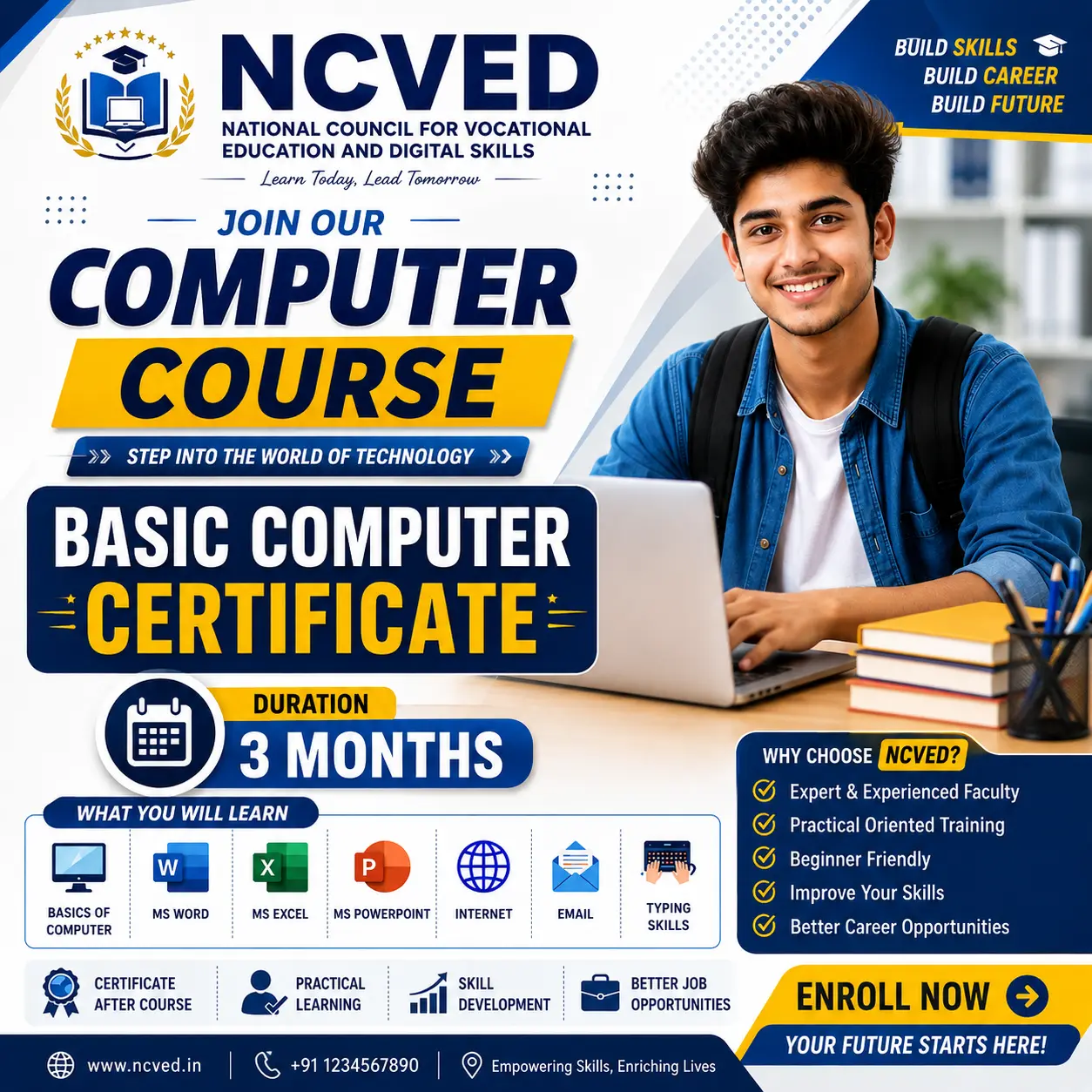
Course Syllabus
Course Syllabus
Module 1: Fundamentals of Computer
- Introduction to Computer
- Definition and Characteristics of Computer
- History and Generations of Computer
- Types of Computers
- Basic Components of a Computer
- Hardware and Software
- System Software and Application Software
- CPU and its Functions
- Memory: RAM, ROM and Storage Devices
- Motherboard and Basic Computer Parts
- File and Folder Management
- Booting and Shutdown Process
- Windows Desktop and Basic Settings
- Keyboard and Mouse Operations
- Basic Computer Troubleshooting
Module 2: Input and Output Devices
Input Devices
- Keyboard
- Mouse
- Scanner
- Microphone
- Webcam
- Touch Screen
- Barcode Reader
- Biometric Devices
Output Devices
- Monitor
- Printer
- Speaker
- Projector
- Plotter
- Difference between Input and Output Devices
- Common Uses of Input and Output Devices
Module 3: Basic MS Office
MS Word
- Introduction to MS Word
- Creating and Saving Documents
- Typing and Text Formatting
- Font and Paragraph Formatting
- Page Setup
- Bullets and Numbering
- Tables
- Images and Shapes
- Header and Footer
- Find and Replace
- Printing Documents
MS Excel
- Introduction to Excel
- Workbook, Worksheet, Rows and Columns
- Data Entry and Editing
- Basic Formatting
- Simple Formulas
- Basic Functions: SUM, AVERAGE, MIN, MAX, COUNT
- Creating Simple Tables
- Basic Charts
- Sorting and Filtering
- Page Setup and Printing
MS PowerPoint
- Introduction to PowerPoint
- Creating Presentations
- Adding and Formatting Text
- Images, Shapes and Icons
- Slide Design and Layout
- Transitions
- Basic Animations
- Slide Show
- Creating a Simple Educational/Business Presentation
Module 4: Internet and Browsing
- Introduction to Internet
- History and Uses of Internet
- Internet vs World Wide Web
- Web Browser
- Search Engine
- Website and Webpage
- URL and Domain Names
- Effective Web Searching
- Downloading and Uploading Files
- Online Forms
- Email Basics
- Creating and Using an Email Account
- Sending and Receiving Emails
- Email Attachments
- Cloud Storage – Basic Introduction
- Online Safety and Digital Security
- Strong Passwords
- Phishing and Online Fraud Awareness
- Safe Internet Browsing
Module 5: Basic Digital Skills
- Digital Documents
- Copy, Cut and Paste
- File Compression and Extraction
- PDF Basics
- Printing and Scanning
- Basic Online Applications
- Online Communication
- Social Media – Basic Awareness
- Digital Etiquette
- Data Backup and Storage
Module 6: Introduction to Artificial Intelligence (AI)
- What is Artificial Intelligence?
- Brief History of AI
- AI in Everyday Life
- Difference between Traditional Software and AI
- Generative AI – Basic Introduction
- AI Chatbots
- AI for Text Generation
- AI for Image Generation
- AI for Education and Learning
- AI for Office Work
- Basic Prompt Writing
- Advantages and Limitations of AI
- AI Safety, Privacy and Responsible Use
- Practical Introduction to AI Tools
Module 7: Practical Training
Students will complete practical exercises such as:
- Creating and formatting a Word document
- Preparing a simple Excel worksheet
- Creating a PowerPoint presentation
- Managing files and folders
- Searching information on the Internet
- Sending emails with attachments
- Downloading and uploading documents
- Creating a PDF document
- Using basic AI tools for learning and productivity
- Completing a basic computer-based project

 Bestseller